
A
[ATA]Caster
Guest
Right here, my liege! We have been working very hard on this, but I'm sure the results will impress you. Without further ado, allow me to welcome you to your very own Throne Room!
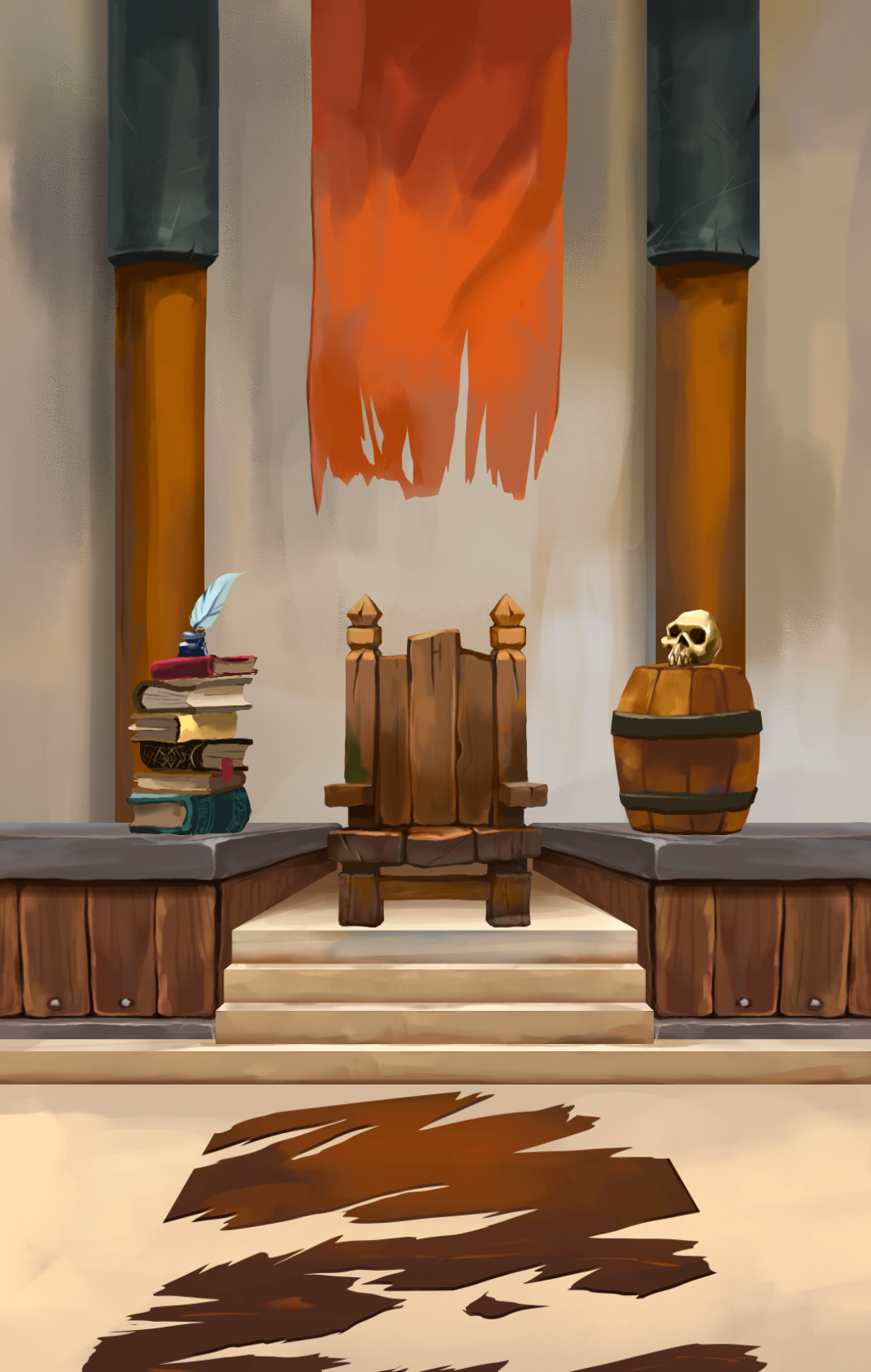
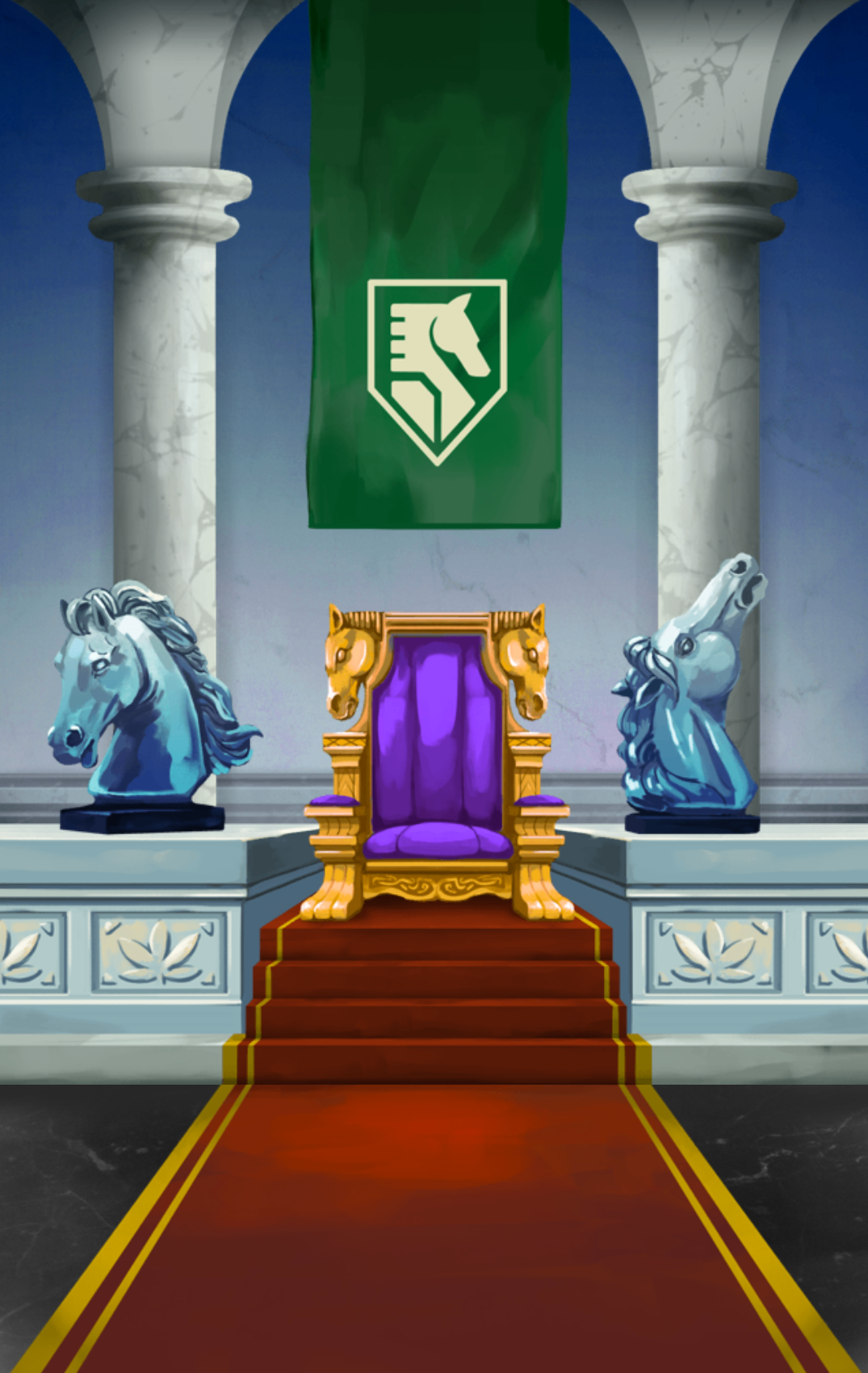
What? Not impressed? Well that's because we have nothing to work with! It's up to you, your craftsmen, and your armies to gather Furnishings to fill up this room. Who knows, maybe if you work hard it will end up looking like this?
If you have the update, you will be able to see a new "Furnishings" section on your Profile that provides access to your Furnishing collection and displays the total stats that your equipped Furnishings are providing you.

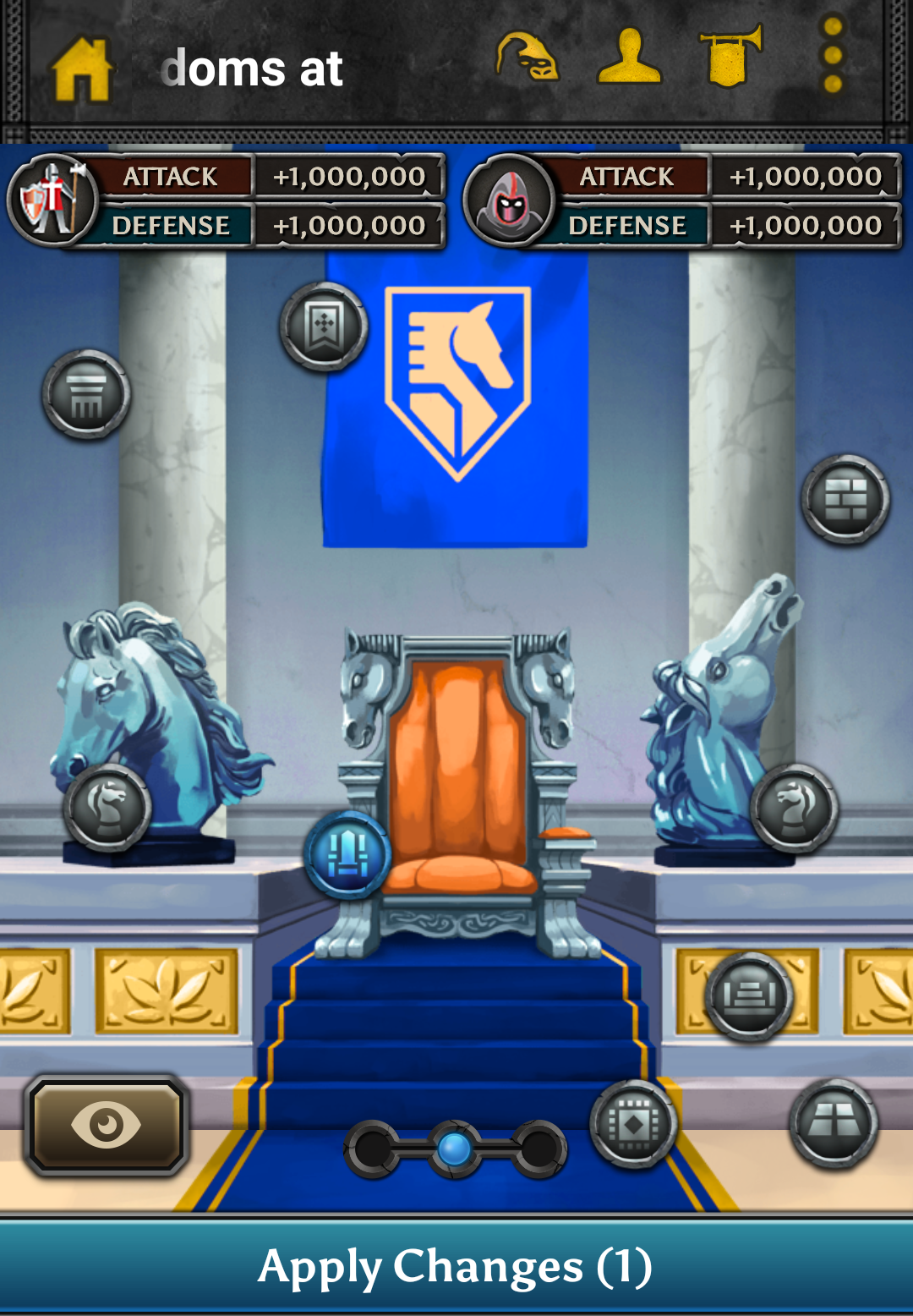
In every room you will see a number of icons, each representing a specific Furnishing Slot. Tapping on one will provide you with the option of either buying a Furnishing for that Slot or filling it with a Furnishing you have already.
When you place or remove a Furnishing in your Castle, you will see the change in stats that will be applied to your Kingdom when you Apply the change.
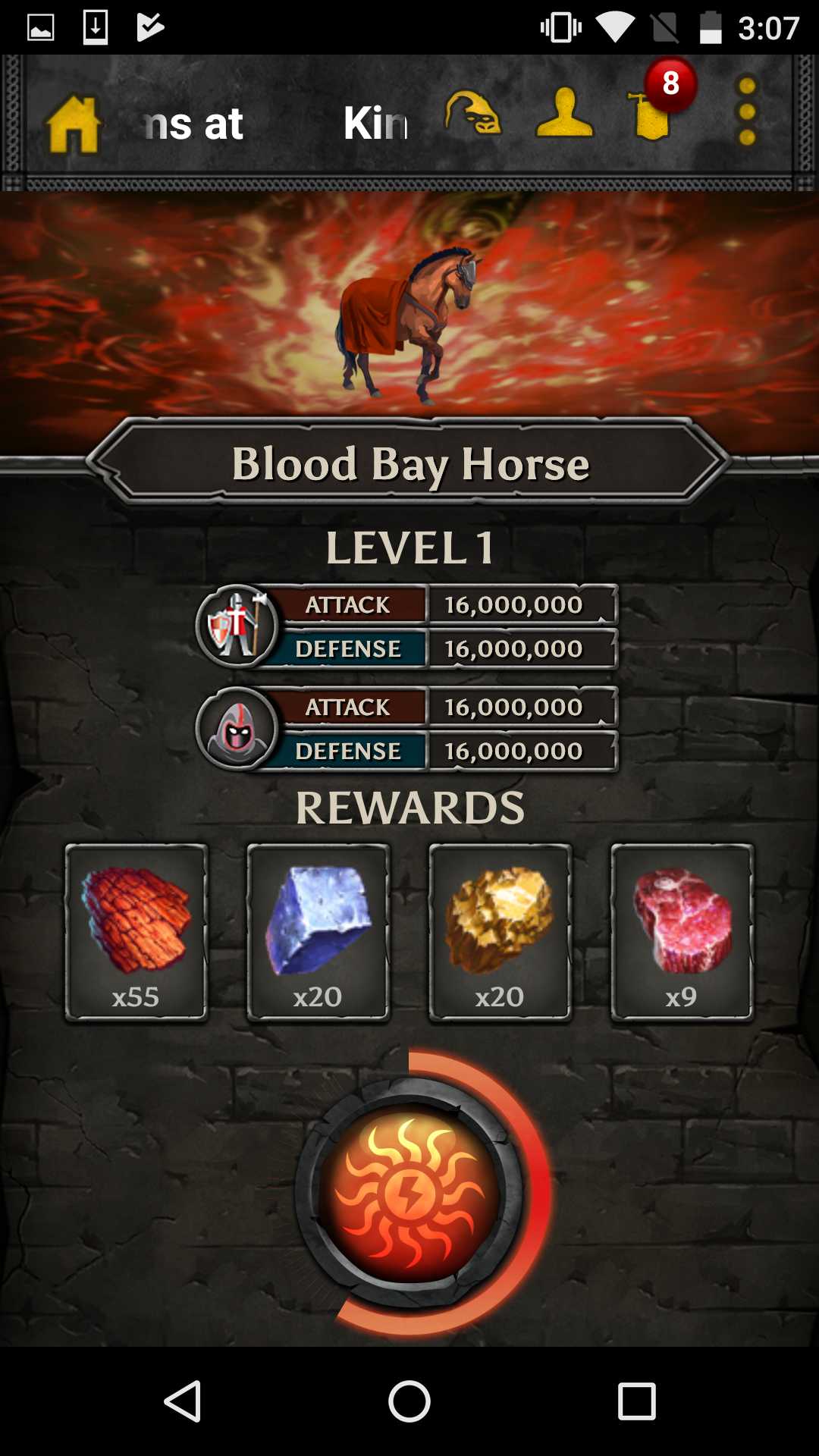
Tapping and holding on a Furnishing you own will open a more detailed view that lists all of the duplicates you own. It also provides you with the option to Dismantle and Upgrade a particular Furnishing.
Upgrading a Furnishing requires Red Lumber, Yellow Sandstone, Blue Ingots, and a slot-specific material (e.g. Thrones require Cushions). You can get them by Dismantling Furnishings that you no longer want. Red Lumber, Yellow Sandstone, Blue Ingot are given for dismantling all Furnishings, while slot-specific Materials are only earned from from dismantling Furnishings from a particular slot.
Can I trade Furnishing?
Yes!
What about upgrade Materials?
You can trade Red Lumber, Yellow Sandstone, and Blue Ingots. You cannot trade Slot Specific Materials.
How can I get more furnishing?
You can get it from events, event chests and you can buy them directly from the Furnishing menu.
As usual, please let us know if you have any questions about the feature or if you experience any bugs or issues. Thanks!
What? Not impressed? Well that's because we have nothing to work with! It's up to you, your craftsmen, and your armies to gather Furnishings to fill up this room. Who knows, maybe if you work hard it will end up looking like this?
Accessing your Castle Furnishings
If you have the update, you will be able to see a new "Furnishings" section on your Profile that provides access to your Furnishing collection and displays the total stats that your equipped Furnishings are providing you.
Customizing your Furnishings
In every room you will see a number of icons, each representing a specific Furnishing Slot. Tapping on one will provide you with the option of either buying a Furnishing for that Slot or filling it with a Furnishing you have already.
When you place or remove a Furnishing in your Castle, you will see the change in stats that will be applied to your Kingdom when you Apply the change.
Dismantling and Upgrading your Furnishings
Tapping and holding on a Furnishing you own will open a more detailed view that lists all of the duplicates you own. It also provides you with the option to Dismantle and Upgrade a particular Furnishing.
Upgrading a Furnishing requires Red Lumber, Yellow Sandstone, Blue Ingots, and a slot-specific material (e.g. Thrones require Cushions). You can get them by Dismantling Furnishings that you no longer want. Red Lumber, Yellow Sandstone, Blue Ingot are given for dismantling all Furnishings, while slot-specific Materials are only earned from from dismantling Furnishings from a particular slot.
Furnishing FAQ
Can I trade Furnishing?
Yes!
What about upgrade Materials?
You can trade Red Lumber, Yellow Sandstone, and Blue Ingots. You cannot trade Slot Specific Materials.
How can I get more furnishing?
You can get it from events, event chests and you can buy them directly from the Furnishing menu.
As usual, please let us know if you have any questions about the feature or if you experience any bugs or issues. Thanks!